
Export Merch Reserve Orders
Edited
Keeping track of your Merch Reserve Orders just got easier! You can now export your orders directly from your dashboard for quick review, tracking, or record-keeping.
What it does
The Export Merch Reserve Orders button allows you to download all your Merch Reserve Orders. This makes it easy to quickly review quantities, sizes, and details for each order, and to keep a record for tracking inventory or sharing with your team.
How to export:
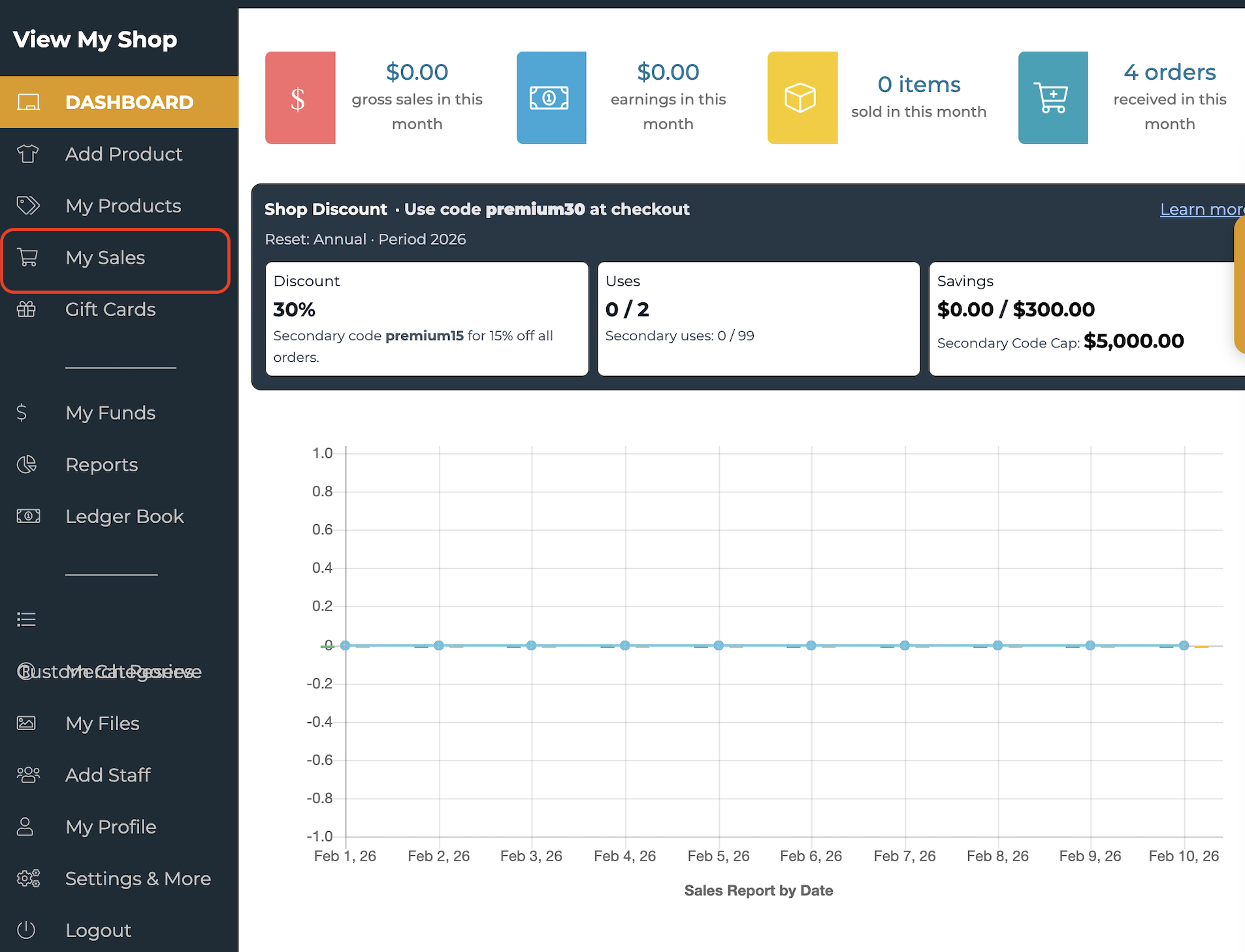
Go to your Dashboard
Click on My Sales
Select Reserved
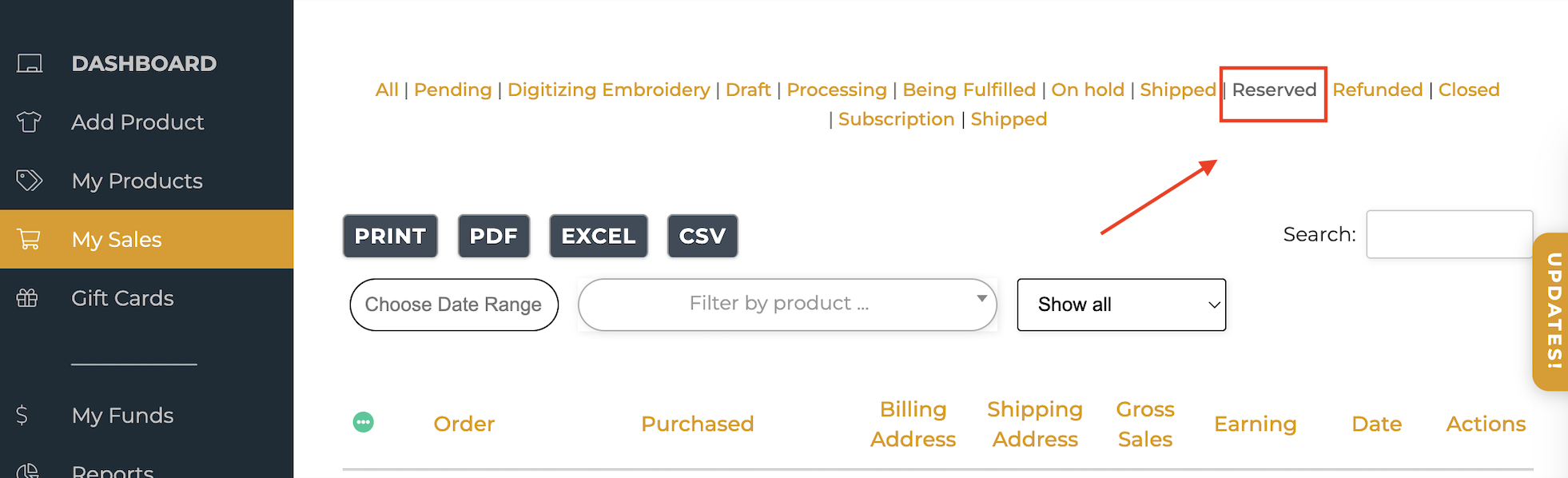
That’s it! Your orders will be exported so you can view, download, or share them anytime.
Questions or need help?
If the export option isn’t visible or you have any questions, please email us at support@thechurch.shop.
Merch Reserve
Export Merch Orders
Was this article helpful?
Sorry about that! Care to tell us more?