Customize Your Store Layout & Design
Store Layout & Design
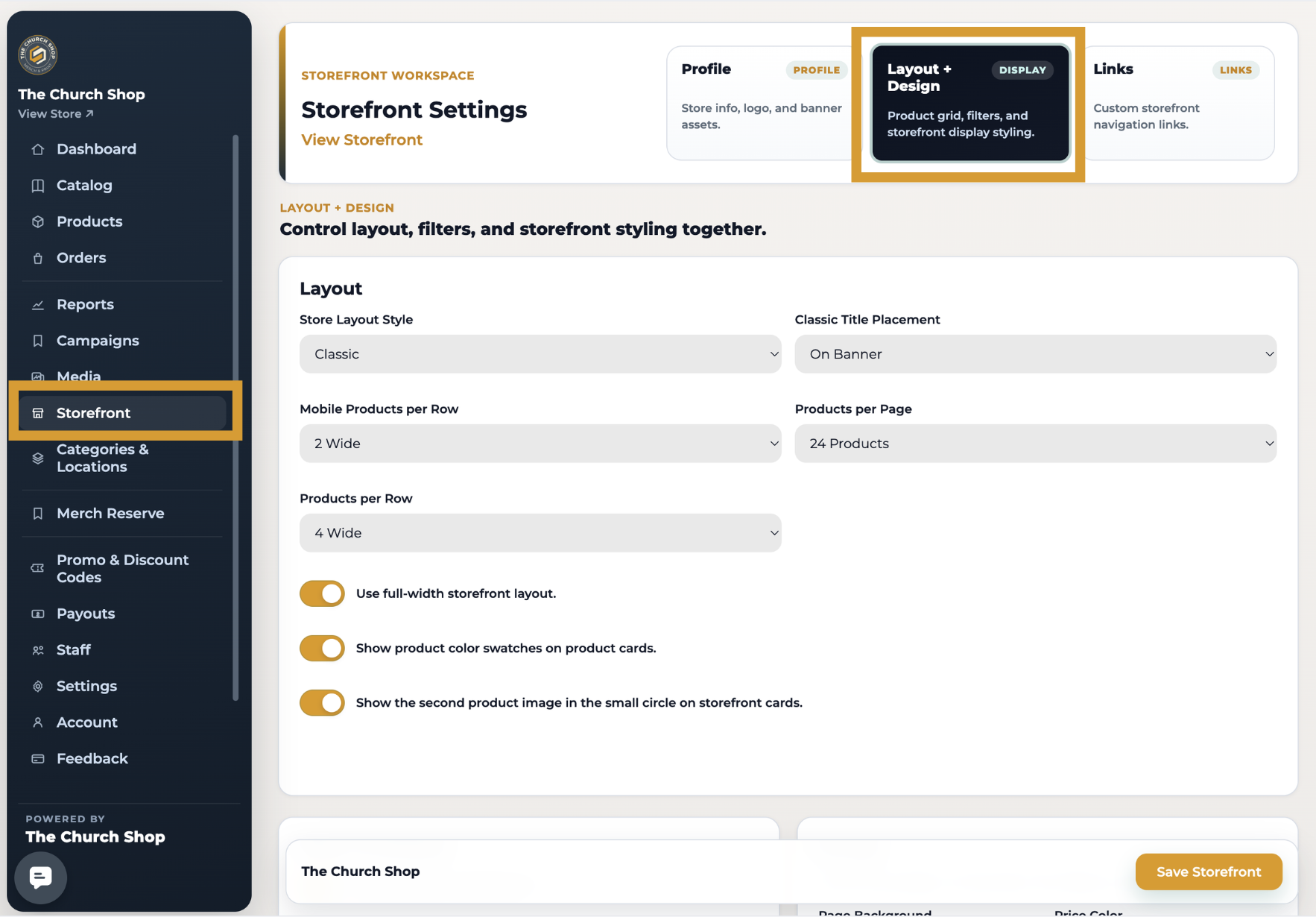
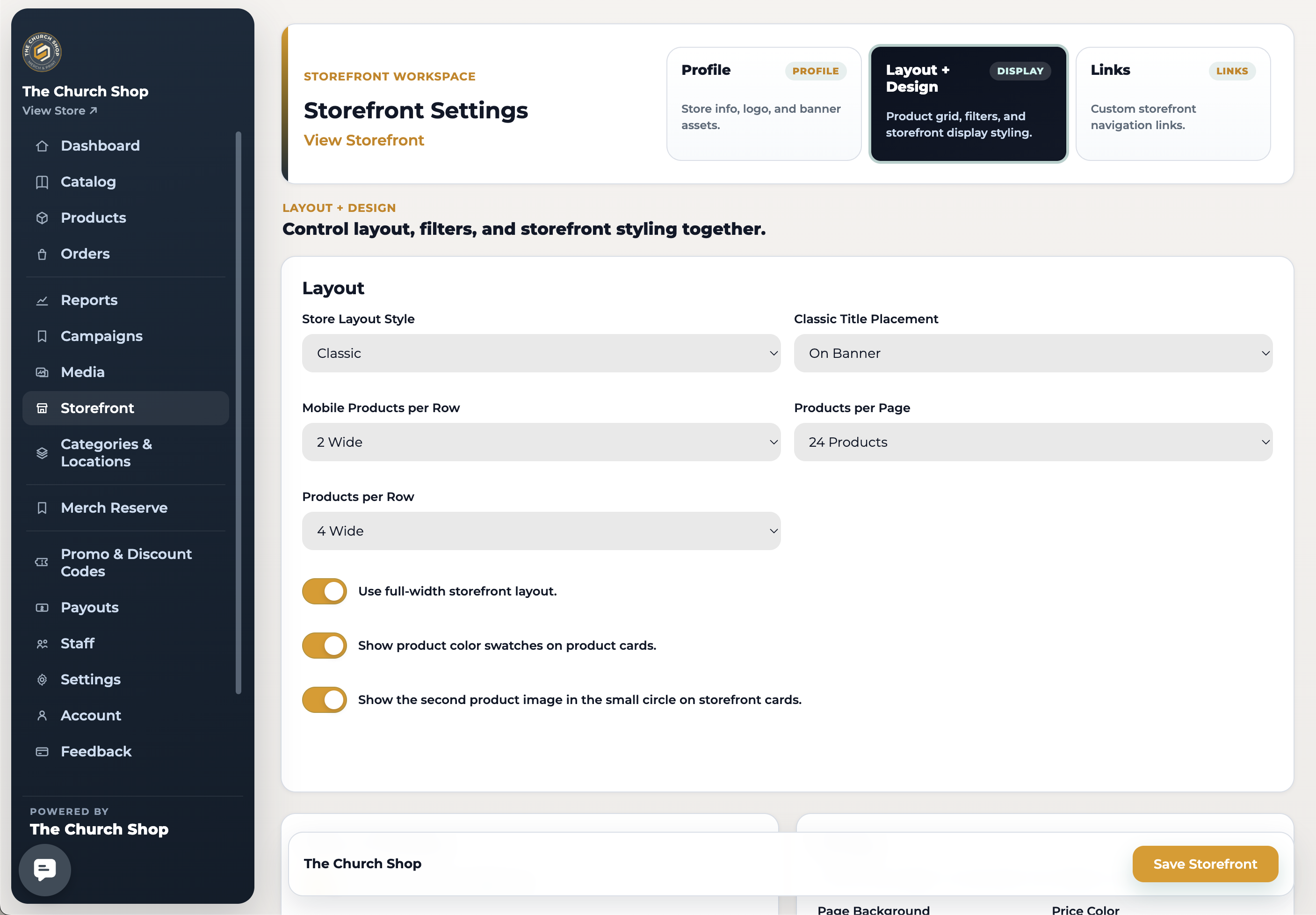
You can personalize your storefront's layout, filters, colors, and styles by navigating to: New Dashboard → Storefront → Store Layout + Design
Accessing Store Layout Settings
Log in to your account.
Switch to the New Dashboard.
Click Storefront in the left-hand menu.
Select Store Layout + Design.
Advanced Customization
For complete control over your storefront's appearance, use the Custom CSS Override field to add your own CSS. Custom CSS will override the default store styling.
Custom Layouts (Premium & Next Level Members)
Premium and Next Level members have access to Custom Layouts, which provide additional design flexibility and exclusive storefront layouts.
Layout & Navigation
✅ Pick a style: Classic, Minimal, Modern, Spotlight, or Showcase.
✅ Choose how many products show per row (3 or 4).
✅ Show/hide: logo, title, filters (location, category, price), search bar, product
categories and image overlays.
Colors & Styling
✅ Store title and subtitle colors.
✅ Background colors for header, buttons, and filters.
Product Details
✅ Price color and font size.
✅ Product title color, size, and weight (Normal, Bold, Black).
Need Help?
If you have any questions about customizing your storefront or need assistance with your layout settings, please reach out to our support team at support@thechurch.shop. We're happy to help!