Private Merch Pages
How to create private pages for staff merchandise, volunteers, or any items you wish to keep hidden from your main storefront. By following the steps outlined below, you can effectively manage product visibility and ensure that specific items are only accessible to people you give access.
Available on Premium & Next Level Plans
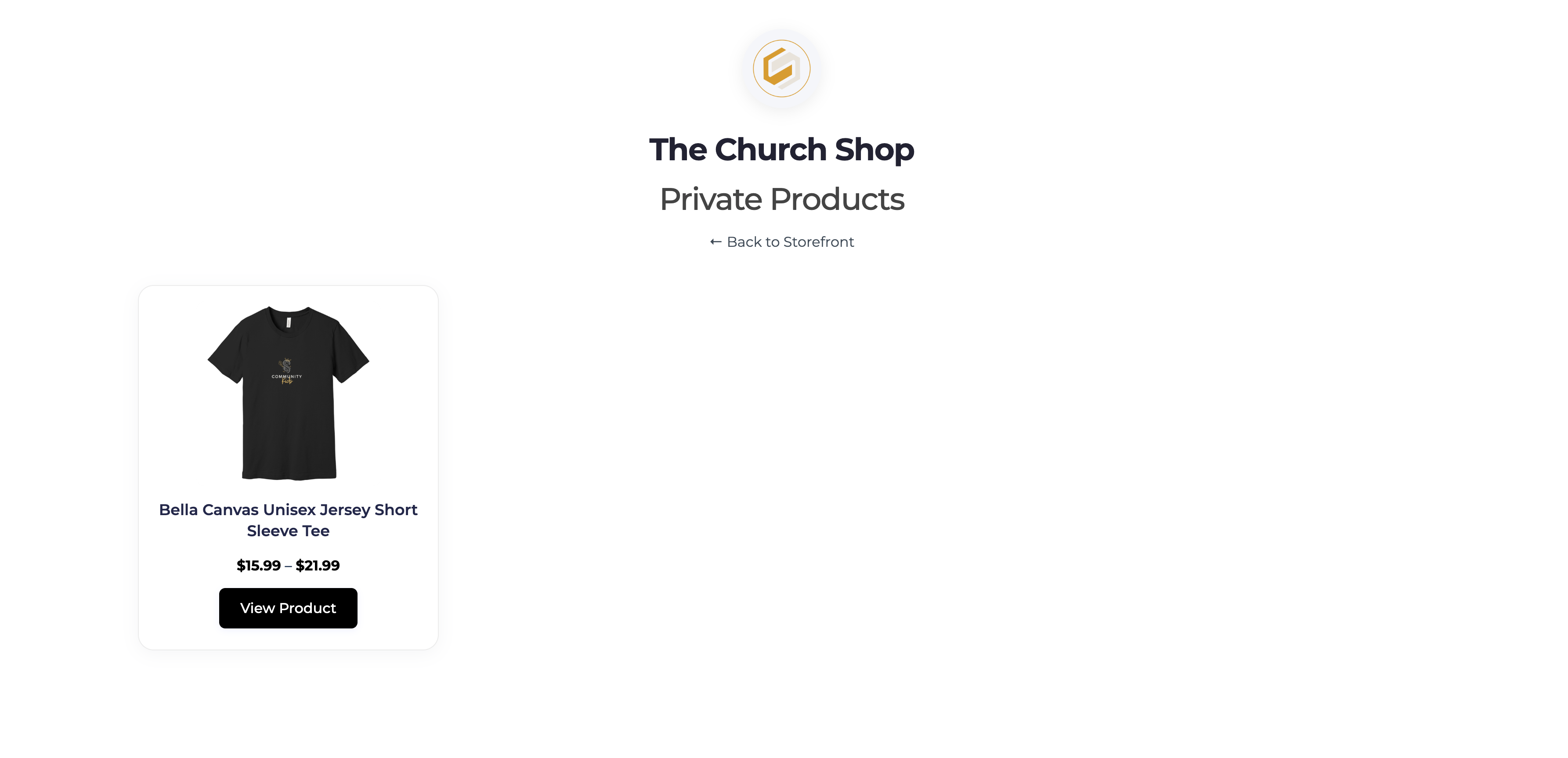
Setting Products to Appear on a Private Page
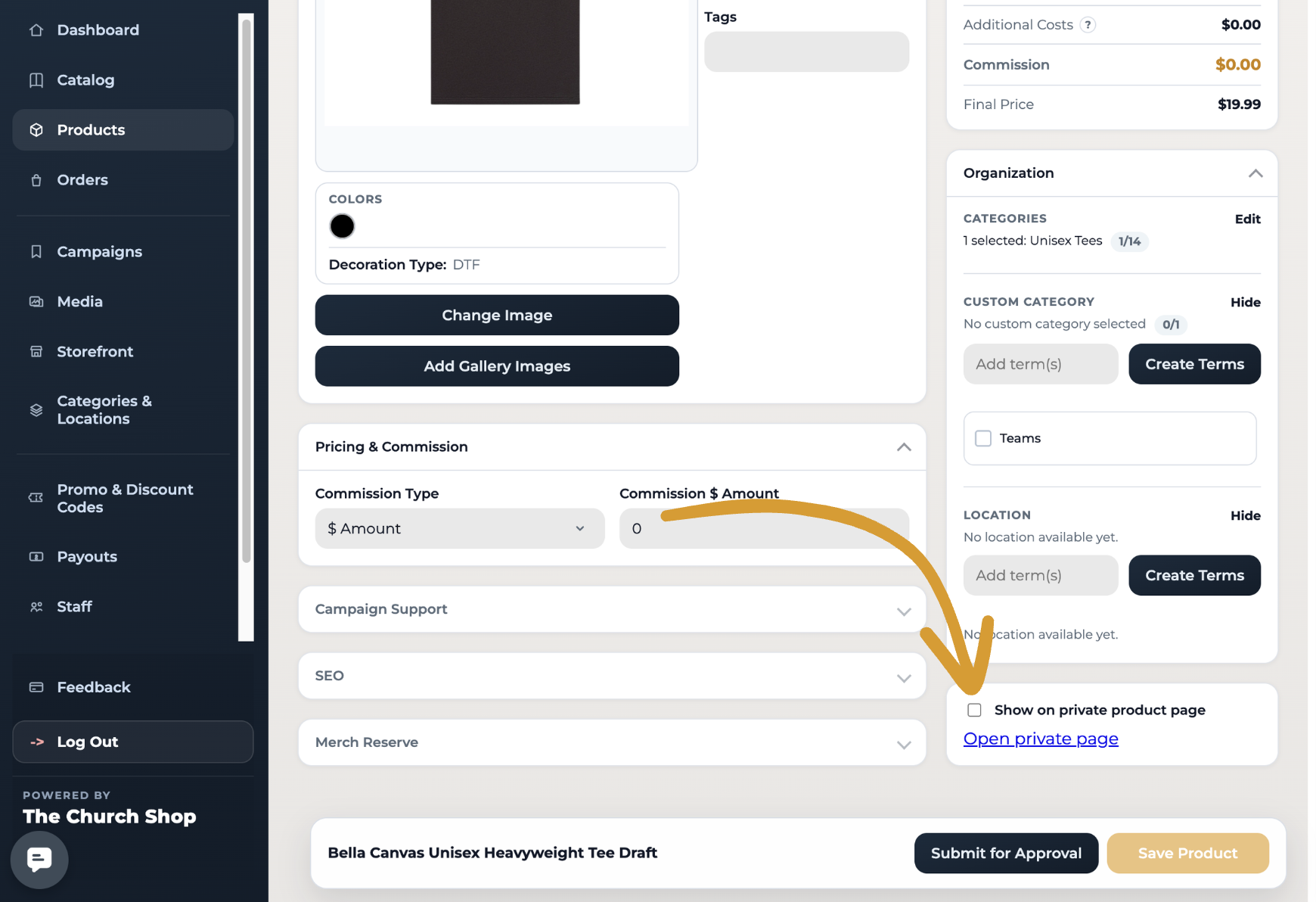
To designate products for a private page, follow these steps:
At the bottom of each product listing, locate the Private Page.
Check the box "Show on private product page".
Accessing Private Page Settings
To access the settings for your private page, navigate to the following:
Go to Settings > Store Access
Private Page Settings
Within the private page settings, you can customize the following options:
Set your custom URL ending, which will always appear at the end of your main shop URL.
Rename the page to reflect its purpose.
Hide the page title if desired.
Password protect the page to restrict access to authorized users only.
By utilizing these features, you can effectively manage your merchandise and ensure that only the intended audience has access to specific products.
📩 Questions?
Feel free to reach out to our team. Email us anytime at support@thechurch.shop, and we’ll be happy to help!