
Adding Products
This process walks you through how to create, design, and publish a product in your store. You’ll choose a product, upload and adjust your design, set up your product details (such as title, description, SEO, commission, and visibility), and then submit it for review. Once approved, your product will be live within 24 hours.
1. Choose a Category and Product, then Click “Customize”
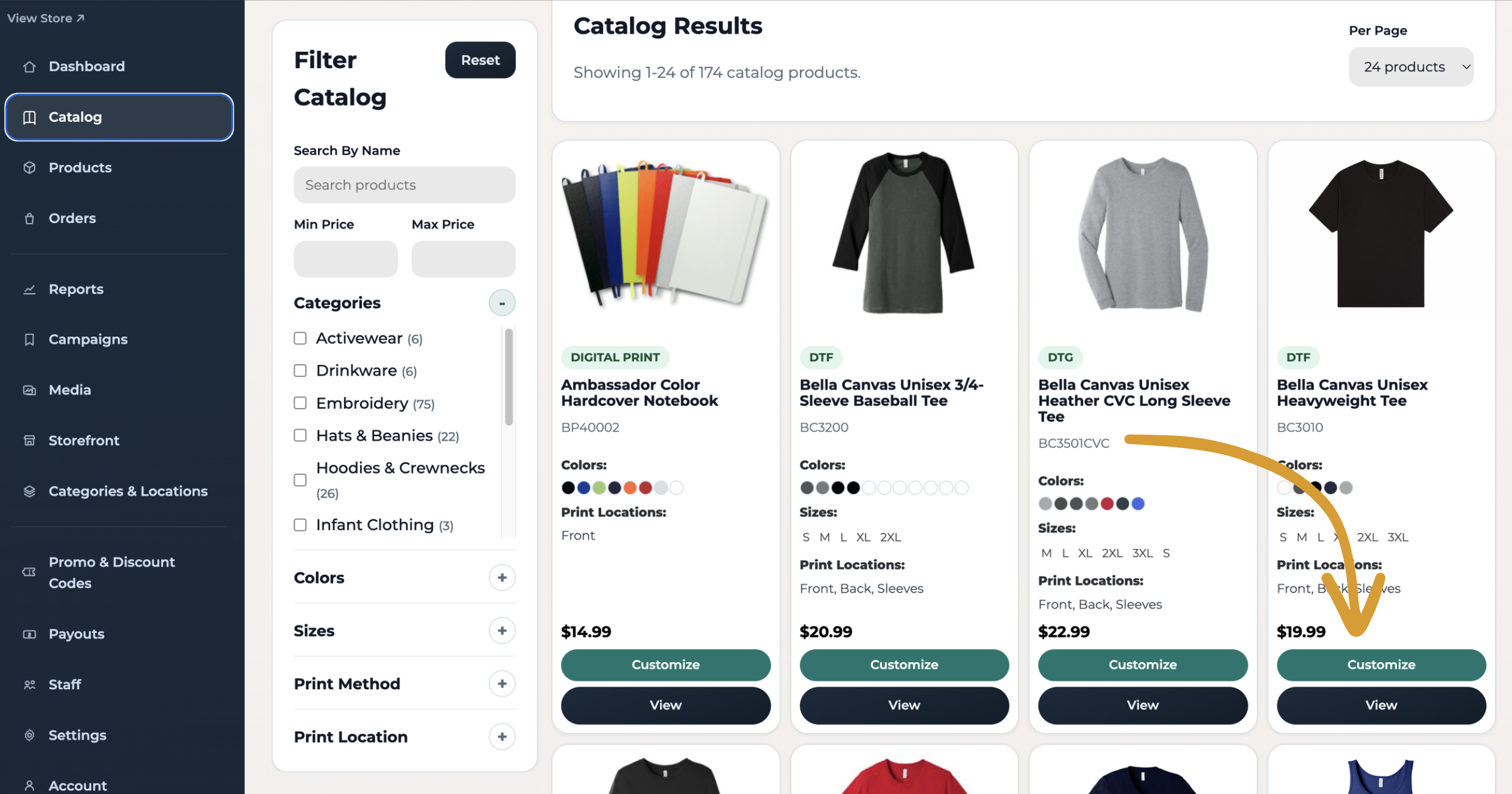
Go to Catalog, then use the filters to find the product you want. Once you’ve made your selection, click Customize to upload your design.
2. Add Your Design
Upload your artwork and make any necessary adjustments (such as resizing or applying filters).
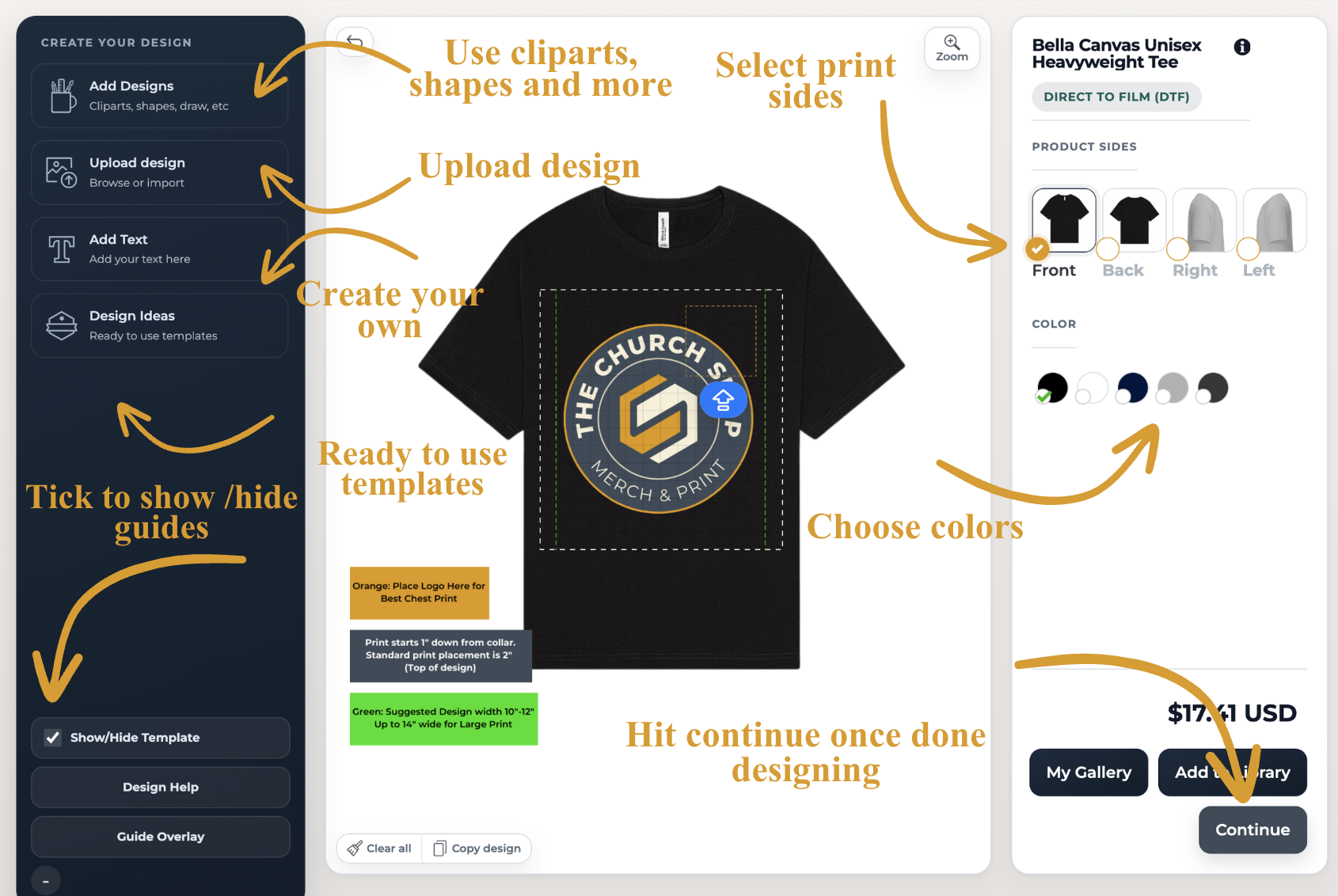
When you’re happy with how it looks, click Continue in the bottom right corner.
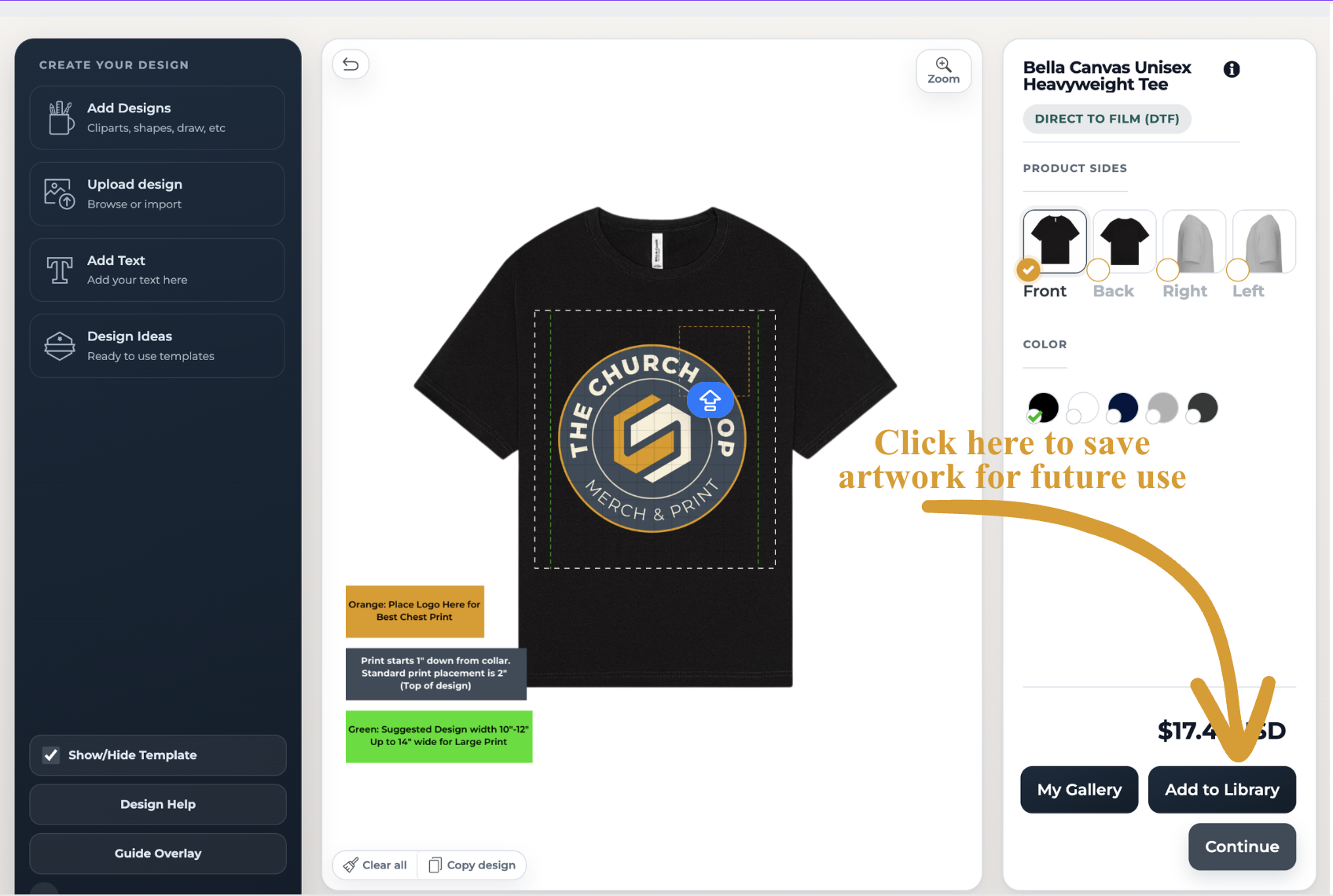
You can then save and name your design to add it to My Gallery for future use.
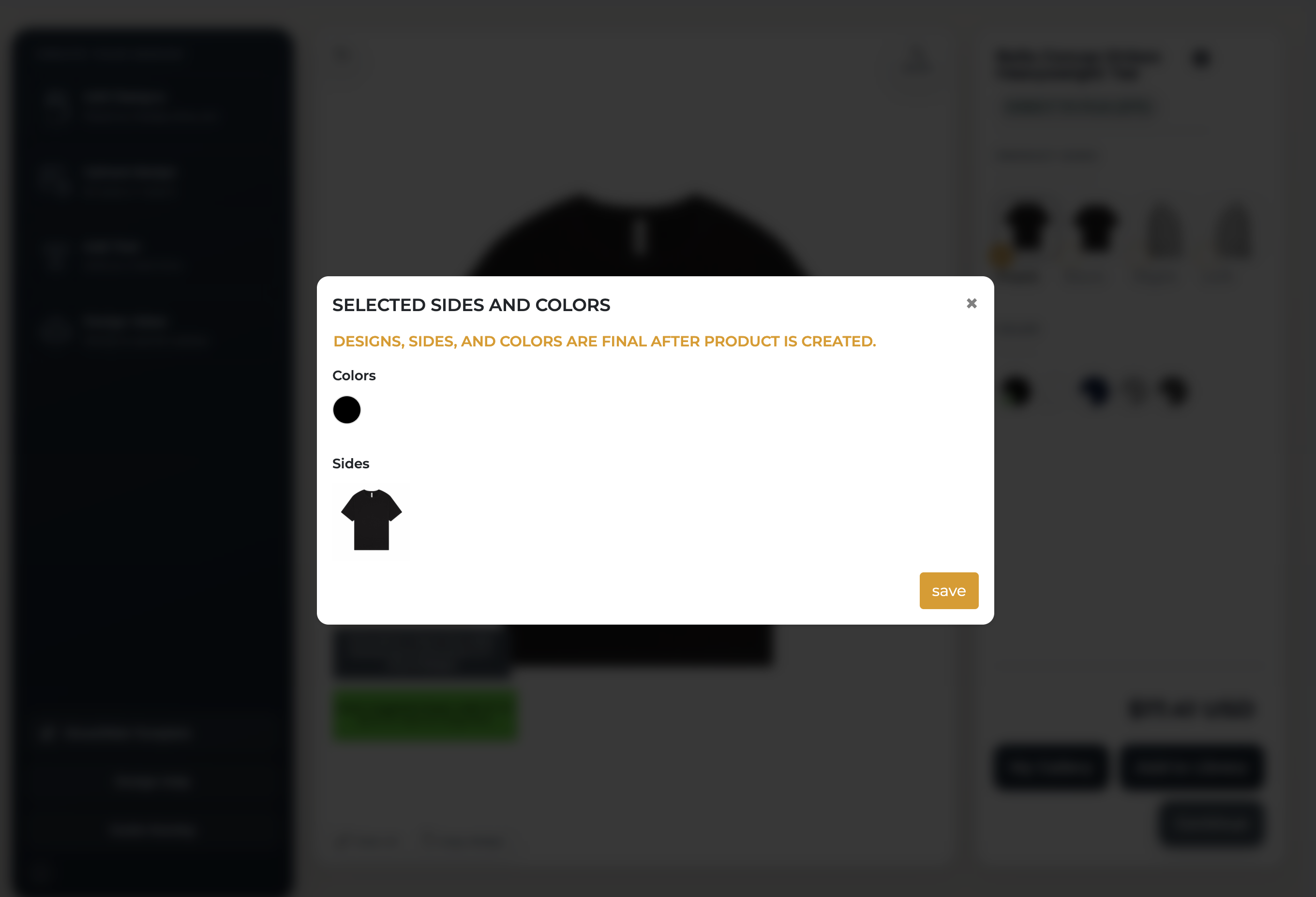
Review everything, then click Save.
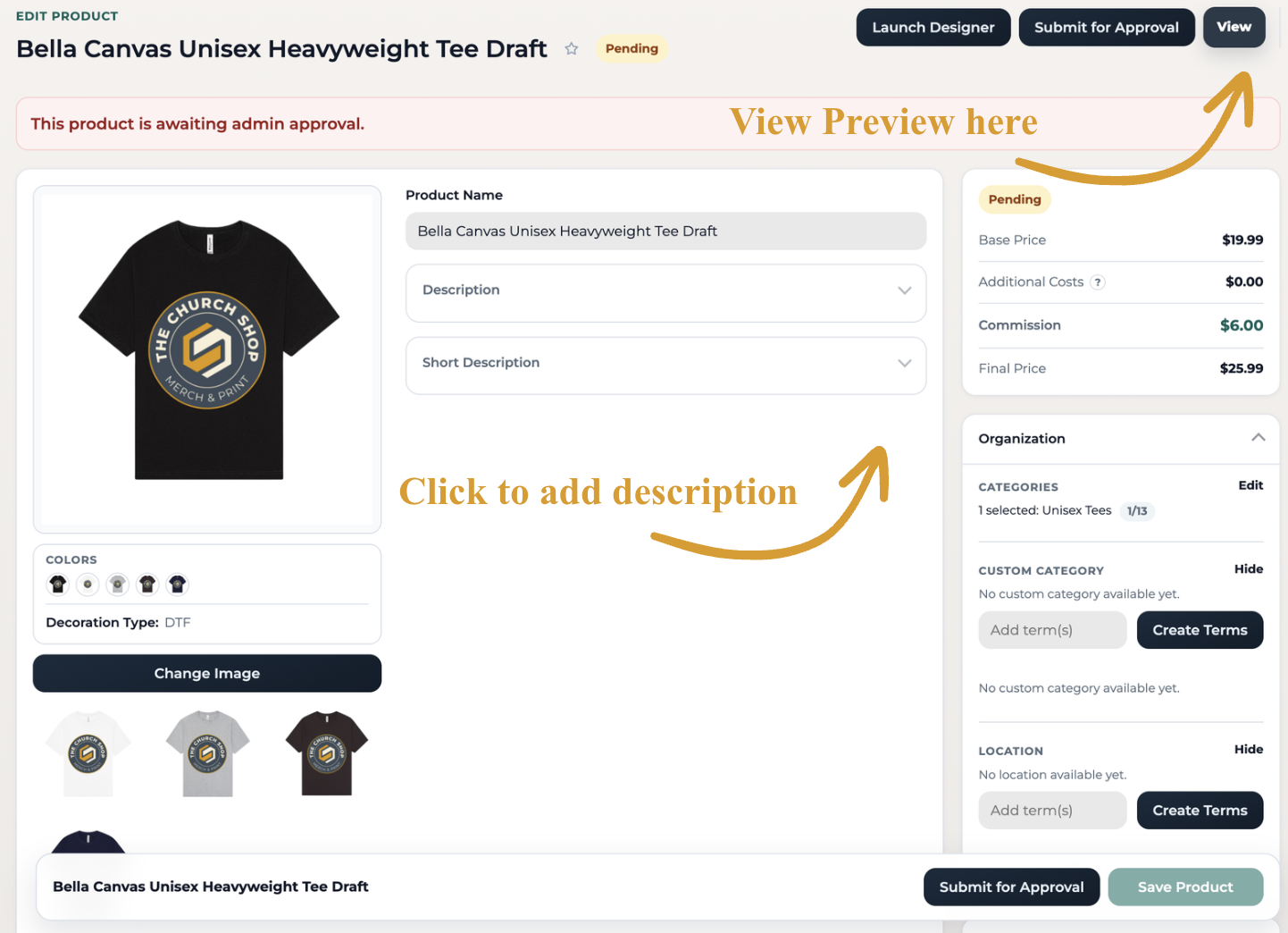
3. Add Your Title and Description
Set your commission, SEO settings, and product visibility, then submit for review.
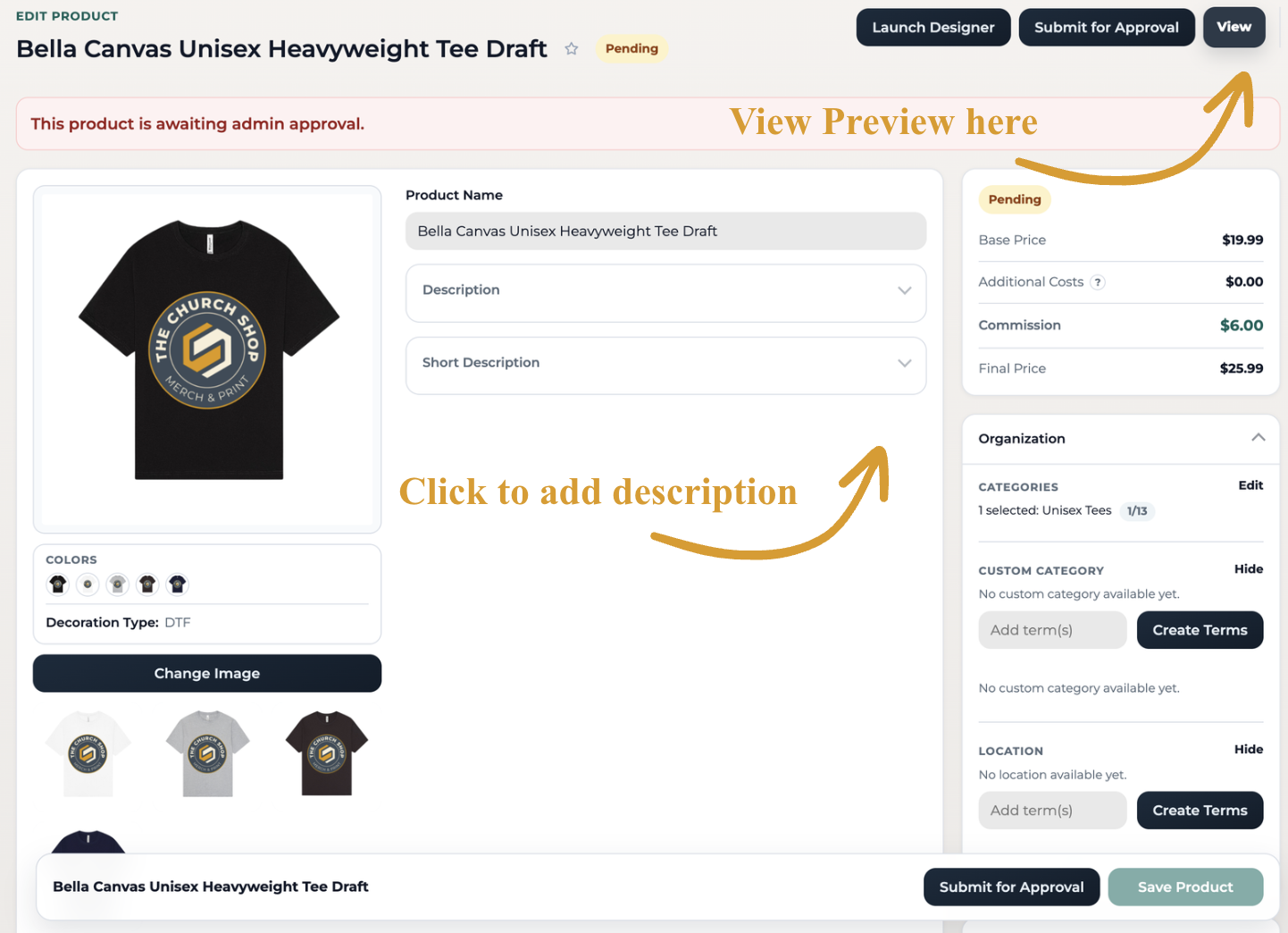
Click Submit for Approval and your product will be sent to our Pending bucket for review. Once approved, it will go live in your storefront.
Click Save Product if you want to save it as a draft.
We’ll review all submissions within 24 hours, and once approved, your product will be live in your store!
📩 Still need help?
Contact us at support@thechurch.shop